Compatible with photoshop 2021 + Windows MacOS X

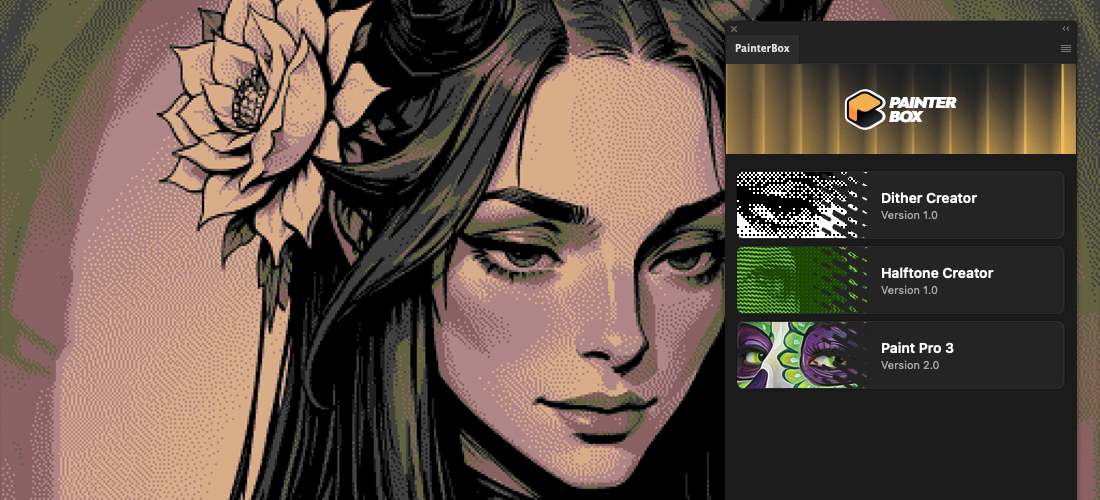
Your New Digital Art Studio Inside Photoshop

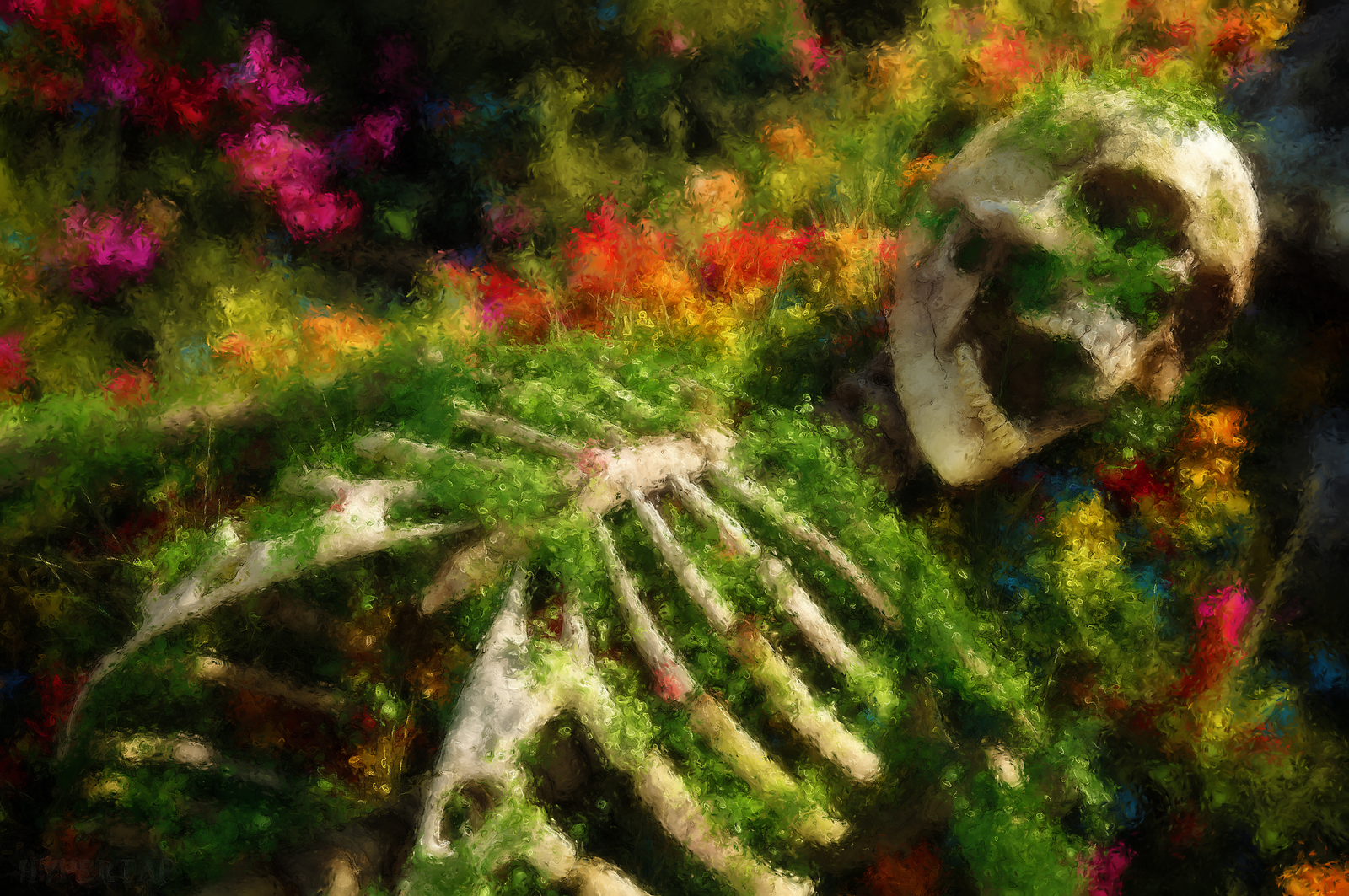
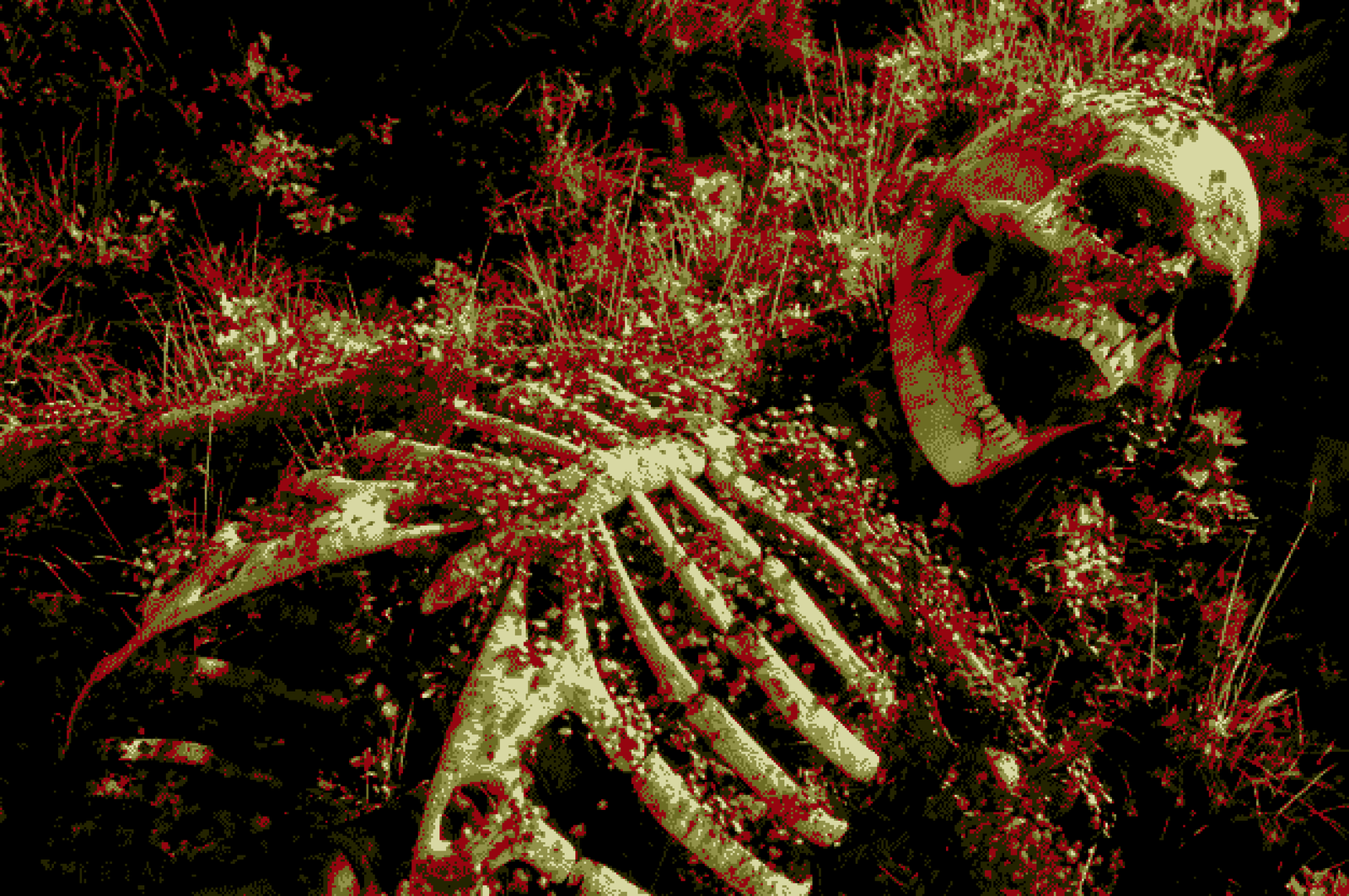
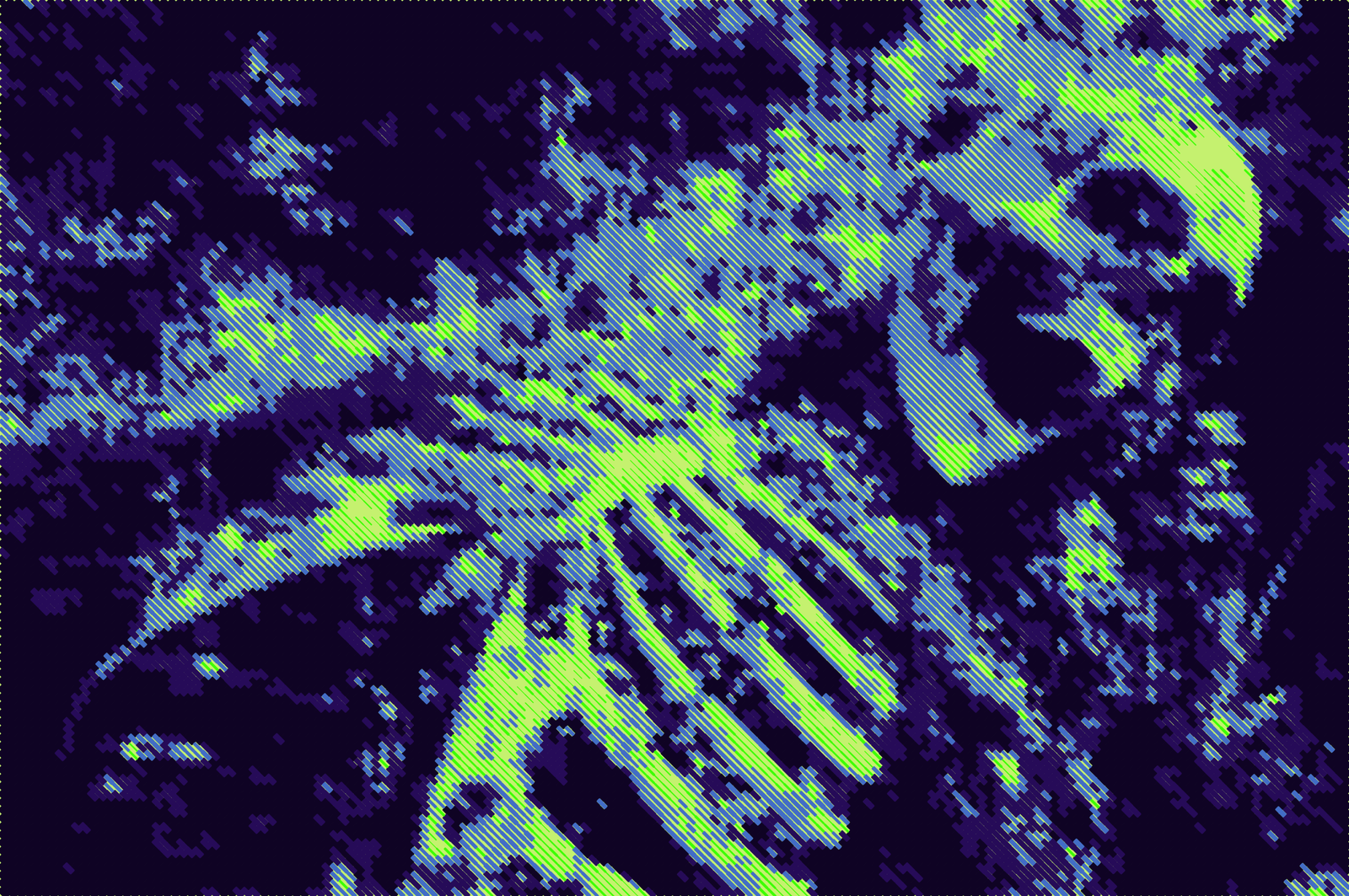
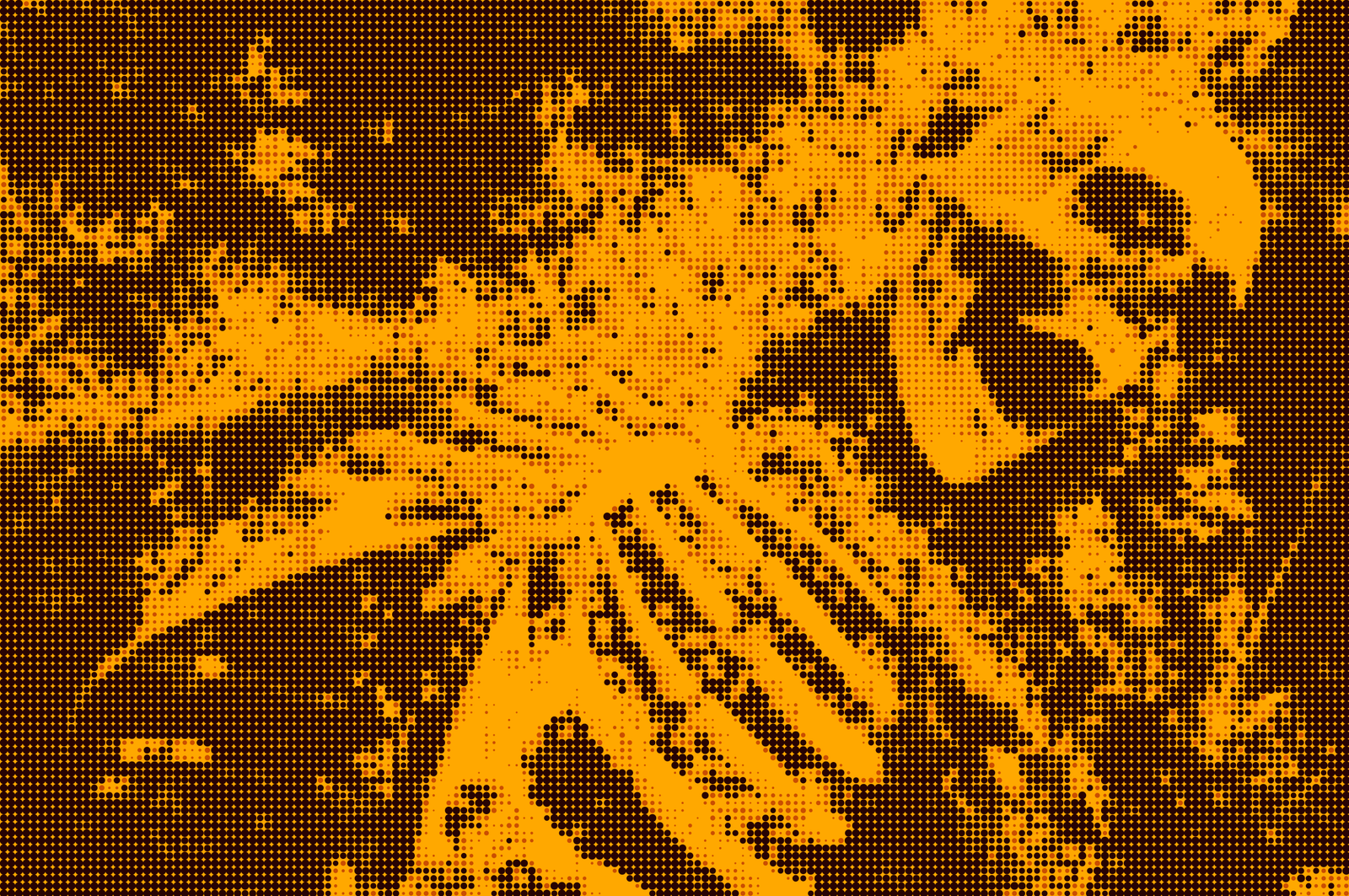
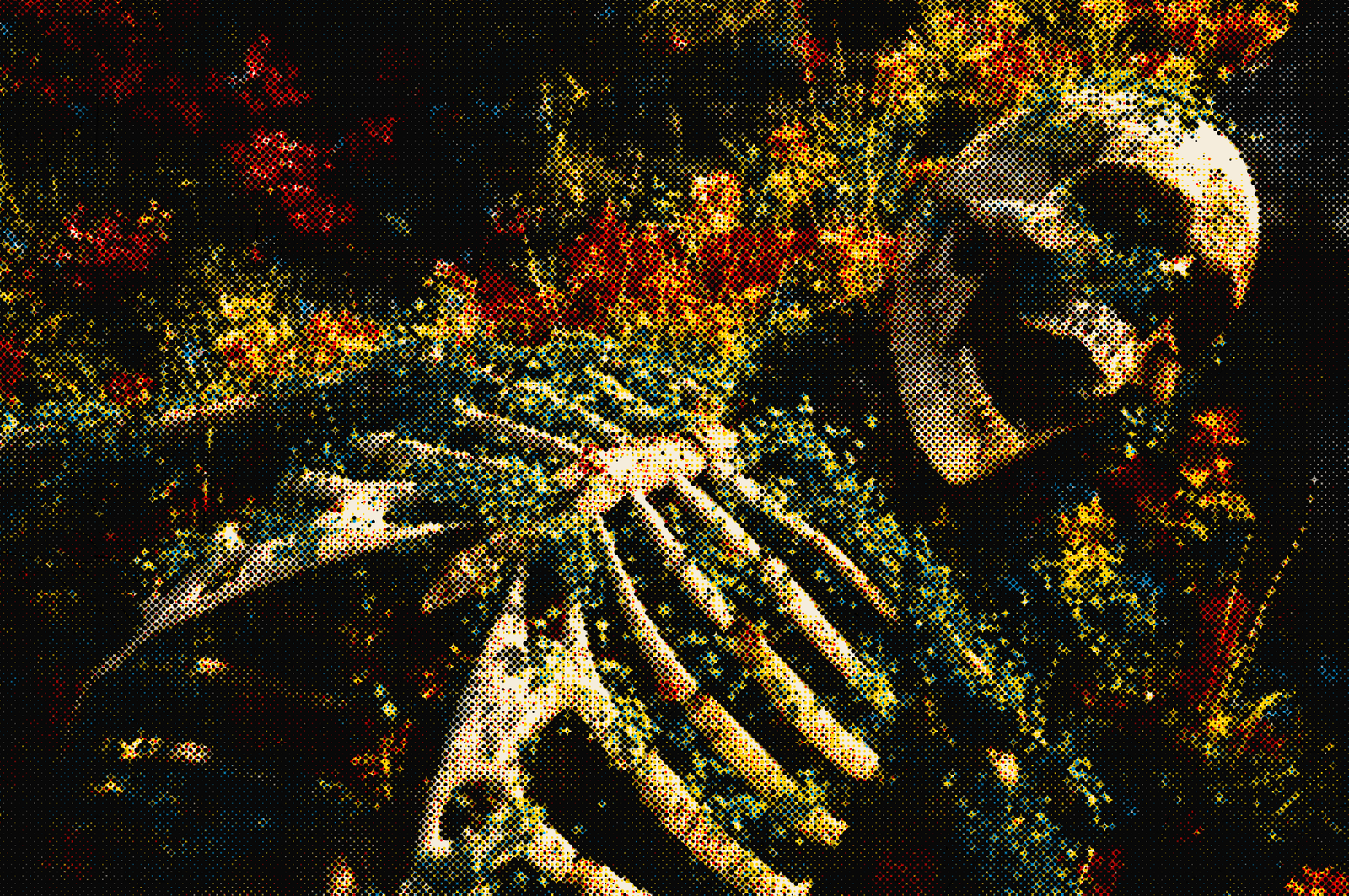
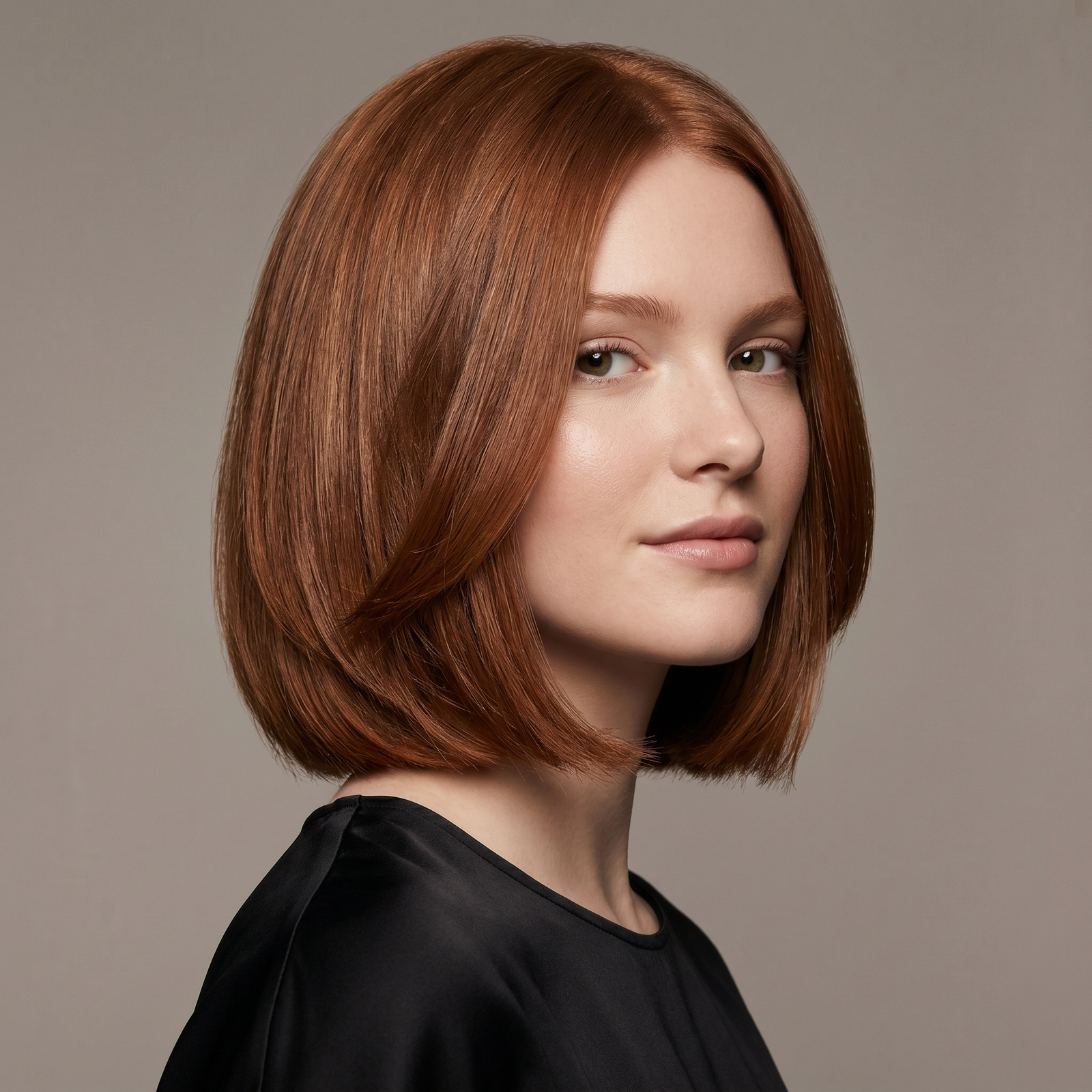
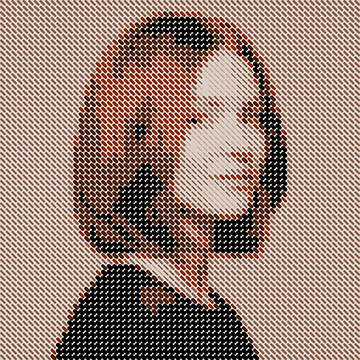
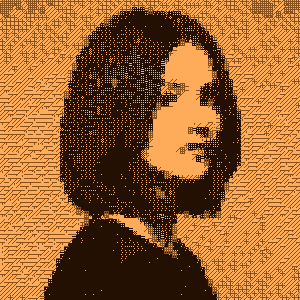
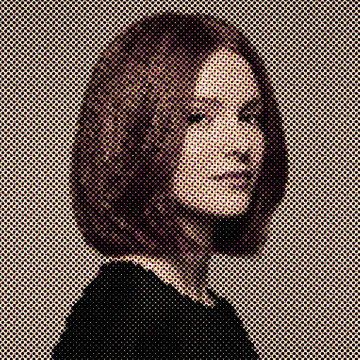
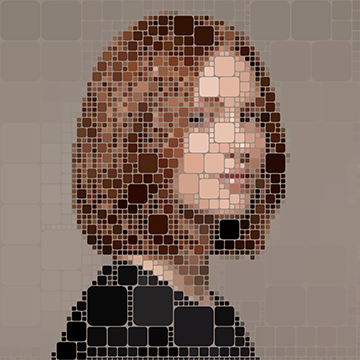
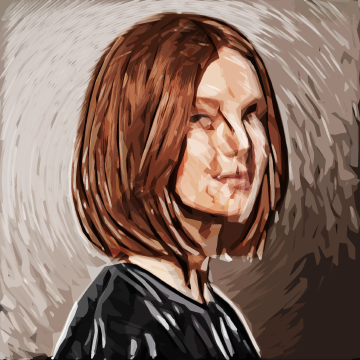
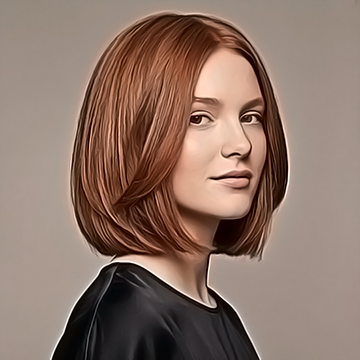
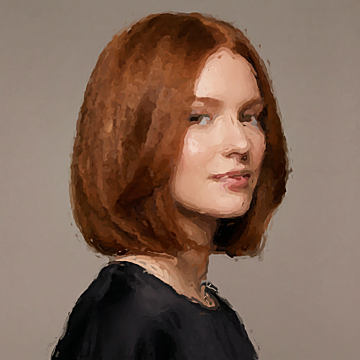
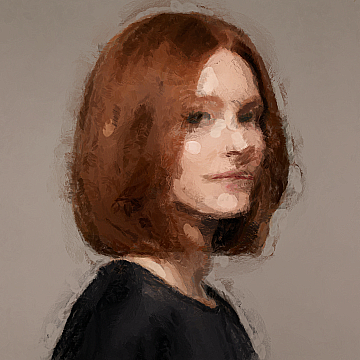
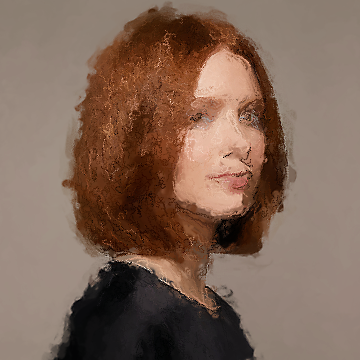
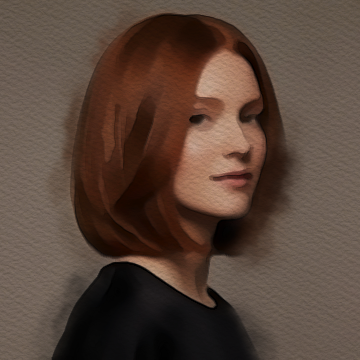
Install modular tool packages and transform any image with incredible styles in a single click. From fluid watercolors to retro dither and precise halftones.
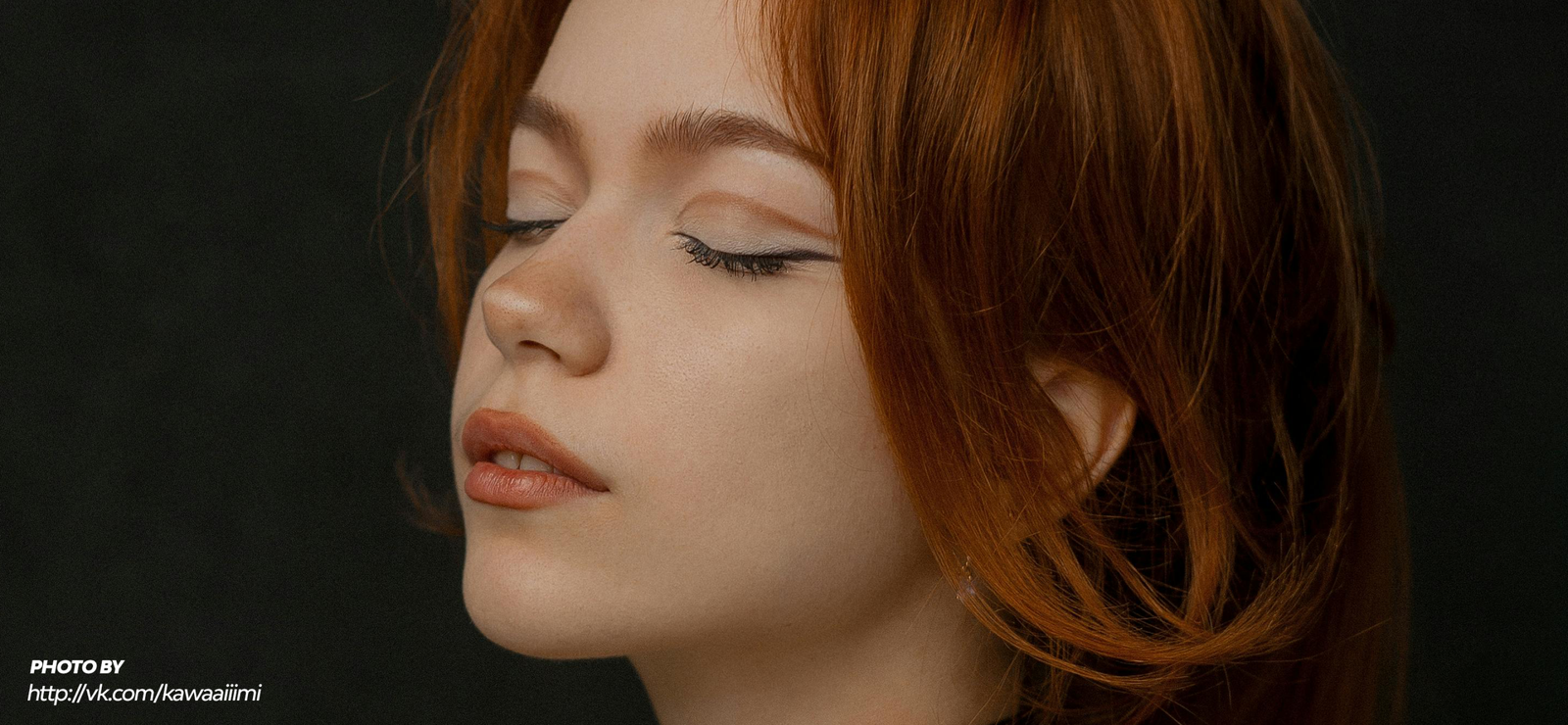
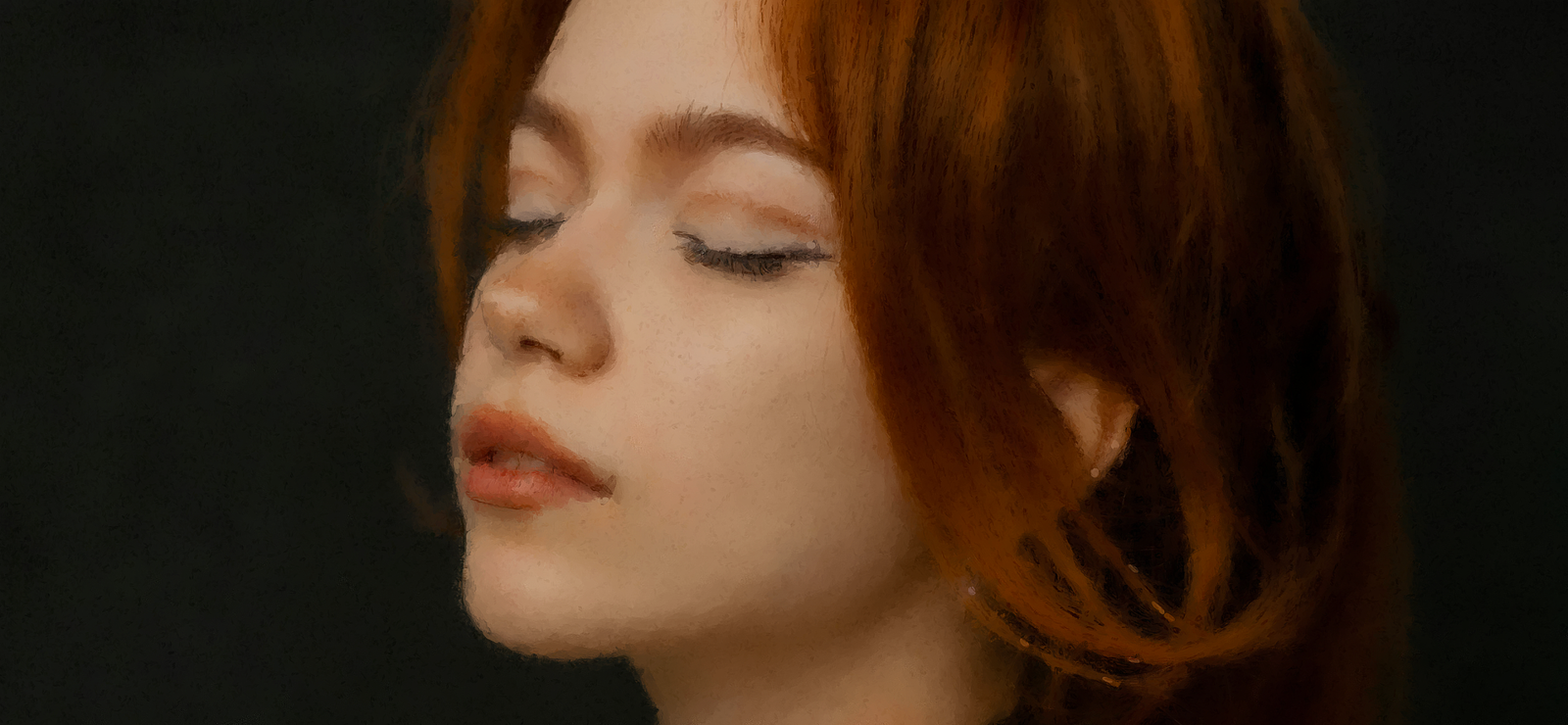
Before After
Benefit 1.

Modular Ecosystem.

Don't overload your Photoshop. Download and install only the style packages you will actually use.

Benefit 2.

Non-Destructive Results.

Experiment without fear. All transformations are applied while keeping your original layers intact.

Benefit 3.

Custom effects

Our algorithms are optimized to apply complex effects like halftones and dither in seconds, not minutes.

A Style for Every Project

Start with our Free Starter Pack. Ready for more? Expand your toolkit with premium packages from our CreativeMarket store.

Before After
Creator Series

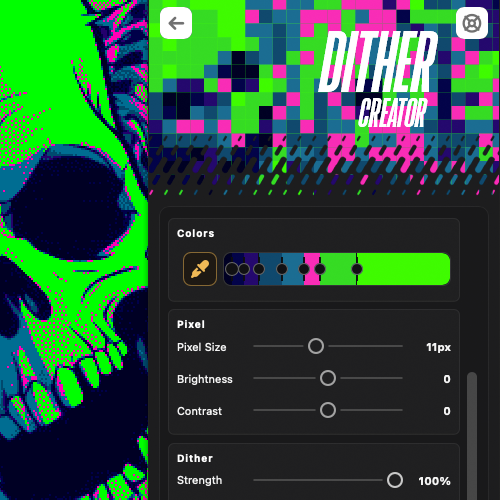
Dither Creator

Before After
Creator Series

Dash Creator

Before After
Creator Series

Chaos Creator

Before After
Creator Series

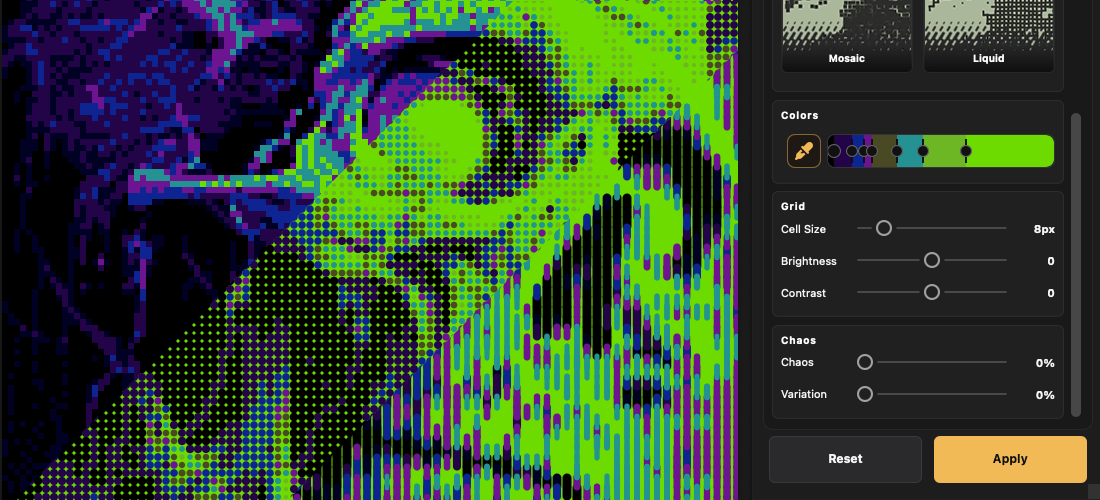
Halftone Print

Before After
Creator Series

Pixels

Before After
Pro Series

Paint Pro 2

Before After
Pro Series

Paint Pro 3

Before After
Pro Series

Paint Pro 4

Before After
Pro Series

Paint Pro 5

Before After
Pro Series

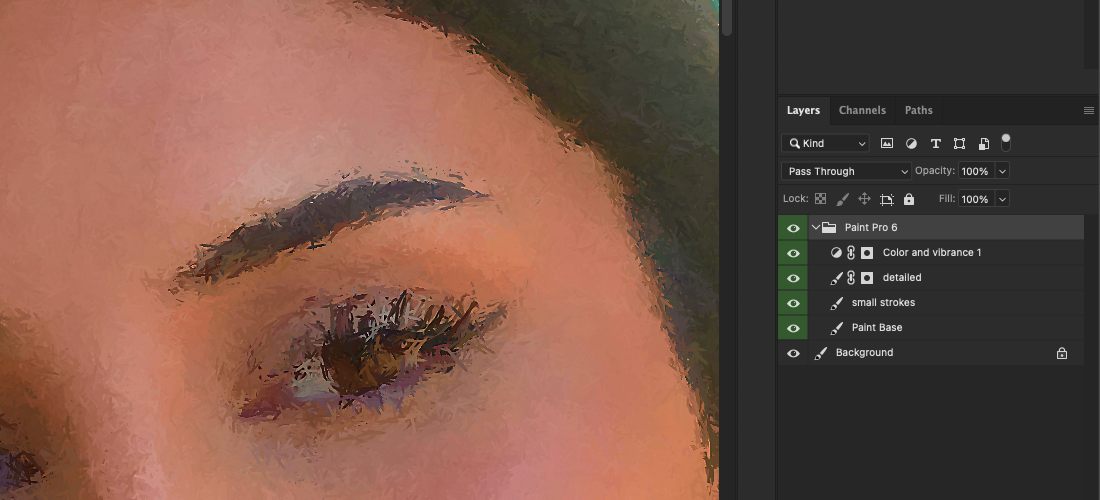
Paint Pro 6

Before After
Pro Series

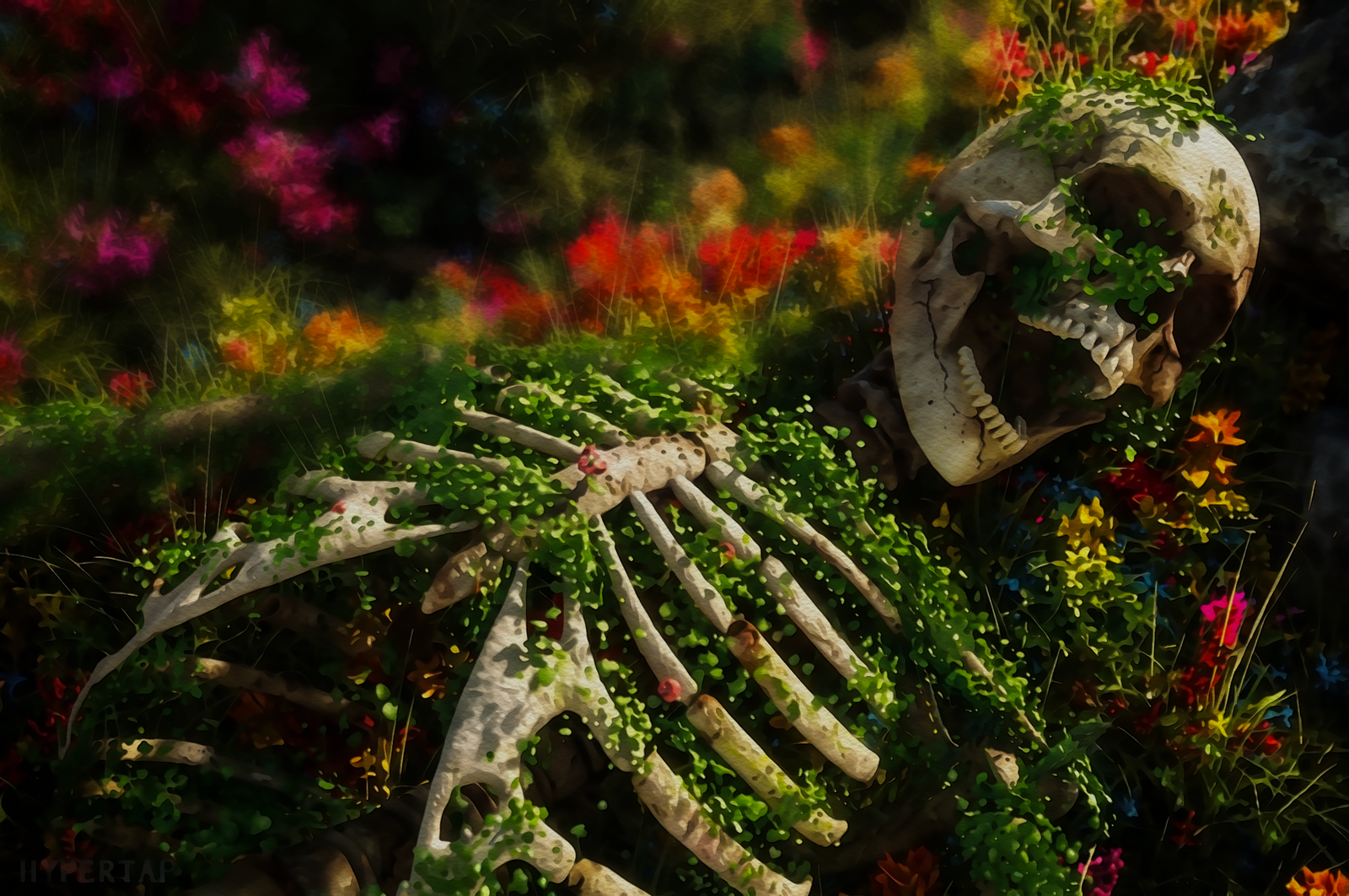
Watercolor 2

Before After
Pro Series

Cartoonize 2

Digital Art in 3 Simple Steps

Step 1.

Install the Panel.

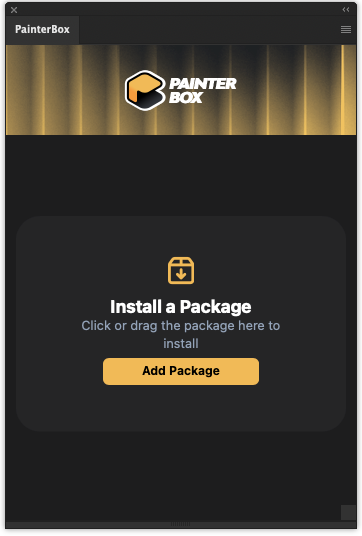
Add PainterBox to your Photoshop plugin panel for free.

Step 2.

Get Packages

Download your free starter style or browse CreativeMarket for premium packs.

Step 3.

Transform.

Select your layer, tweak a few parameters, and let the magic happen.

Ready to change the way you edit?

Download the free panel today, get your free starter pack, and see the results for yourself.